
Tapo 1080P Indoor Security Camera (4-Pack)
4.4Editor score
1080p high definition video
Two-way audio with siren
Local microSD card storage option
This guide compares the top indoor wireless IP cameras for home security, featuring 10 models with 4K and 1080p options to help you choose the right surveillanc
Securing your home requires reliable tools that offer clear visibility and smart alerts. Indoor wireless IP cameras provide seamless monitoring without the hassle of complex wiring. They deliver high resolution video and two-way audio to keep you connected to what matters most.
We evaluated ten leading models based on resolution, smart detection capabilities, and storage options. Our analysis covers cameras with pan tilt functions, color night vision, and privacy features. This list helps you find the perfect fit for your specific monitoring needs.
Each selection highlights unique strengths such as local storage, battery power, or dual lens designs. We explain what makes each camera stand out in real-world use. Please note that pricing and availability can change so check current offers before buying.
4.4Editor score
4.6Editor score

4.4Editor score
Explore a detailed side-by-side comparison of the top indoor wireless IP cameras available this year. Each model offers unique strengths in resolution, smart detection, and storage flexibility.



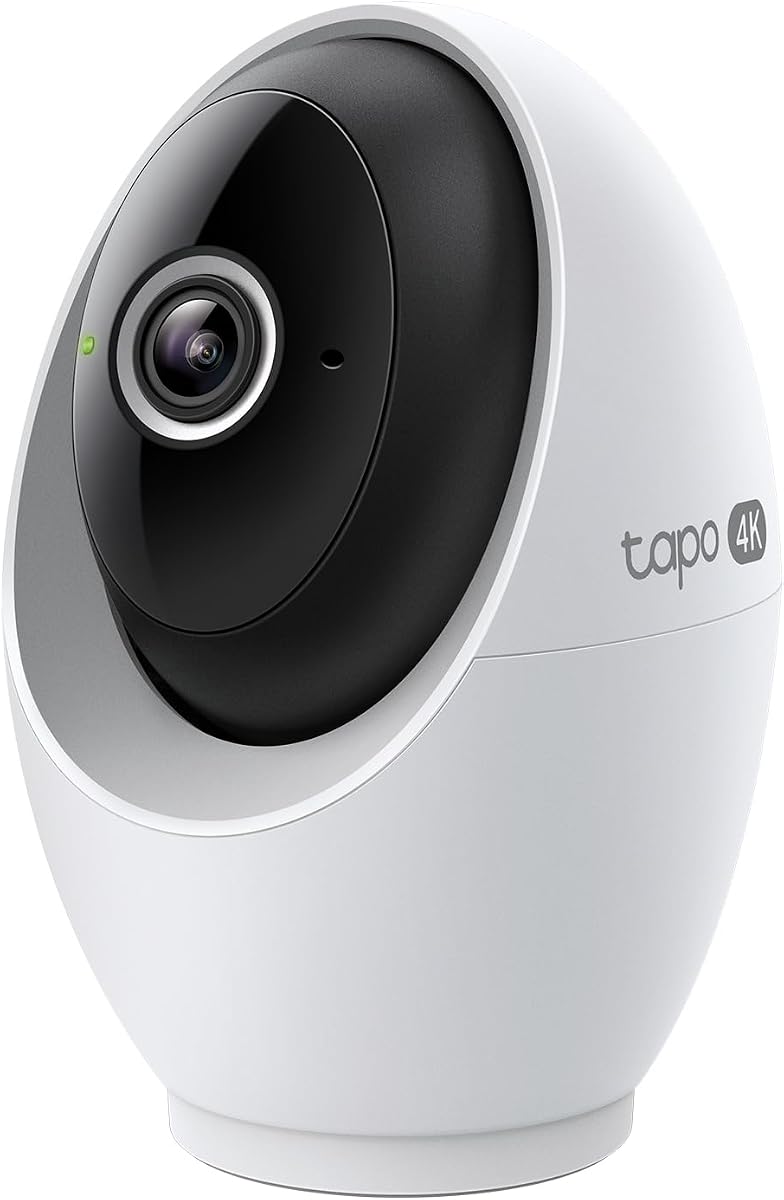
This Tapo model ranks highly for its outstanding 4K clarity and comprehensive feature set. It offers detailed monitoring with local storage options that avoid recurring subscription costs.
We may earn a commission when you buy through this link, at no additional cost to you.
The camera provides complete area coverage with 360 horizontal viewing. Advanced on-device AI processes facial recognition locally for enhanced privacy and speed.
While it requires a wired connection and separate microSD card, the trade-off ensures reliable power and data security. These factors are acceptable for most users prioritizing quality.
Ideal for those seeking high resolution without monthly fees. It delivers professional surveillance tools in a user-friendly package.
On-device AI keeps sensitive data off the cloud. You gain speed and security with total privacy control.
Pan tilt mechanics allow complete room monitoring. Detect motion and automatically track subjects across the full range.
We may earn a commission when you buy through this link, at no additional cost to you.
This premium camera stands out with a dual lens system offering both wide and telephoto views. It ensures you never miss details while monitoring a whole room.
We may earn a commission when you buy through this link, at no additional cost to you.
The hybrid zoom allows you to verify actions like medication checks. Local storage keeps your data secure offline with no recurring fees.
The requirement for HomeBase 3 adds initial setup complexity. However, this hardware ensures robust performance and local processing capabilities.
Perfect for tech-savvy users wanting premium features. It combines unique optics with strong privacy protections.
See a full-room view and close-up details on one screen. Seamlessly zoom in on the action while viewing the whole room.
Works with HomeBase 3 for enhanced storage. Keep your app updated for the best experience and privacy.
We may earn a commission when you buy through this link, at no additional cost to you.
This four-pack offers exceptional value for multi-room monitoring without breaking the bank. It covers essential security features in a user-friendly design.
We may earn a commission when you buy through this link, at no additional cost to you.
The built-in siren provides immediate deterrence against intruders. Two-way audio allows real-time communication with family or pets easily.
Resolution is capped at 1080p which is standard for budget models. This is acceptable for general home security and monitoring needs.
Ideal for large homes needing wide coverage. It provides reliable alerts and local storage efficiently.
Monitor multiple rooms with a single app. Receive instant push notifications when motion is detected.
Integrated IR system provides 40 feet of night vision. Never miss a thing that goes on, even at night.
We may earn a commission when you buy through this link, at no additional cost to you.
The Ring Indoor Cam excels with its manual privacy cover that physically disables the camera. This offers peace of mind when you are at home.
We may earn a commission when you buy through this link, at no additional cost to you.
Color Night Vision enhances low-light visibility significantly. Advanced Pre-Roll captures seconds before motion events for better context.
Full functionality relies on a Ring Protect subscription. This ongoing cost might be a drawback for budget-conscious users.
Perfect for Ring ecosystem users valuing privacy. It offers flexible mounting and smart alerts.
Turn off your camera and mic with the manual Privacy Cover. Reactivate with a simple swivel when needed.
Works with Alexa to hear audio announcements when motion is detected. Stream video on Echo Show for quick views.
We may earn a commission when you buy through this link, at no additional cost to you.
Amcrest delivers high quality video with 4MP resolution and advanced compression. It suits users needing robust local recording options.
We may earn a commission when you buy through this link, at no additional cost to you.
Supports NVRs and MicroSD cards for extensive storage. The view Pro app enhances playback with digital zoom features.
The interface may feel technical for average users. However, its professional features offer great flexibility.
Ideal for tech enthusiasts managing a system. It balances resolution and local storage options well.
Record professionally on a PC using Amcrest Surveillance Pro. Works with Blue Iris and Synology NAS systems too.
CMOS 1/3 inch 4MP sensor provides superior low lux. Achieve superior low lux performance and night vision up to 32 feet.
We may earn a commission when you buy through this link, at no additional cost to you.
This eufy model offers 4K recording with seamless smart home integration. It stands out for its local storage focus and privacy features.
We may earn a commission when you buy through this link, at no additional cost to you.
On-device AI distinguishes humans and pets accurately. The integrated spotlight enables color night vision effectively.
HomeKit support is available but limited to 1080p. This is a minor trade-off for Apple users.
Best for those wanting 4K without cloud fees. It balances performance and privacy seamlessly.
Easily navigate your home view with Panoramic View. Quick Focus Tap allows instant focus changes.
Integrated spotlight allows switching to color night vision. It also doubles as a deterrent effectively.
We may earn a commission when you buy through this link, at no additional cost to you.
This Amcrest model provides reliable pan tilt features at an affordable cost. It covers essential home security needs well.
We may earn a commission when you buy through this link, at no additional cost to you.
Built-in IR LEDs offer 32 feet night vision. The secure SSL connection protects your data during transmission.
Lacks 5GHz Wi-Fi support which limits bandwidth. Still suitable for most standard home internet setups.
Great entry-level option for pan tilt needs. It delivers basic features without high cost.
Exmor image sensor and built-in IR LEDs achieve industry leading night vision. Up to 32 feet of coverage is available.
Features a secure SSL connection with AES encryption. Regular security firmware updates keep it protected.
We may earn a commission when you buy through this link, at no additional cost to you.
This Tapo camera shines with 2K resolution and versatile mounting options. It works well indoors and outdoors thanks to weatherproofing.
We may earn a commission when you buy through this link, at no additional cost to you.
Magnetic base allows quick installation on metal surfaces. Starlight sensor delivers vivid night vision color.
Being wired limits placement flexibility slightly. This is minor for users who can route power easily.
Excellent for multi-purpose security needs. It balances resolution and versatility well.
Easily attach the camera to any metal surface with its magnetic base. Versatile mounting on railings, frames, or even the refrigerator.
Built-in Starlight sensor delivers bright, colorful video at night. Two spotlights offer extra illumination in darker conditions.
We may earn a commission when you buy through this link, at no additional cost to you.
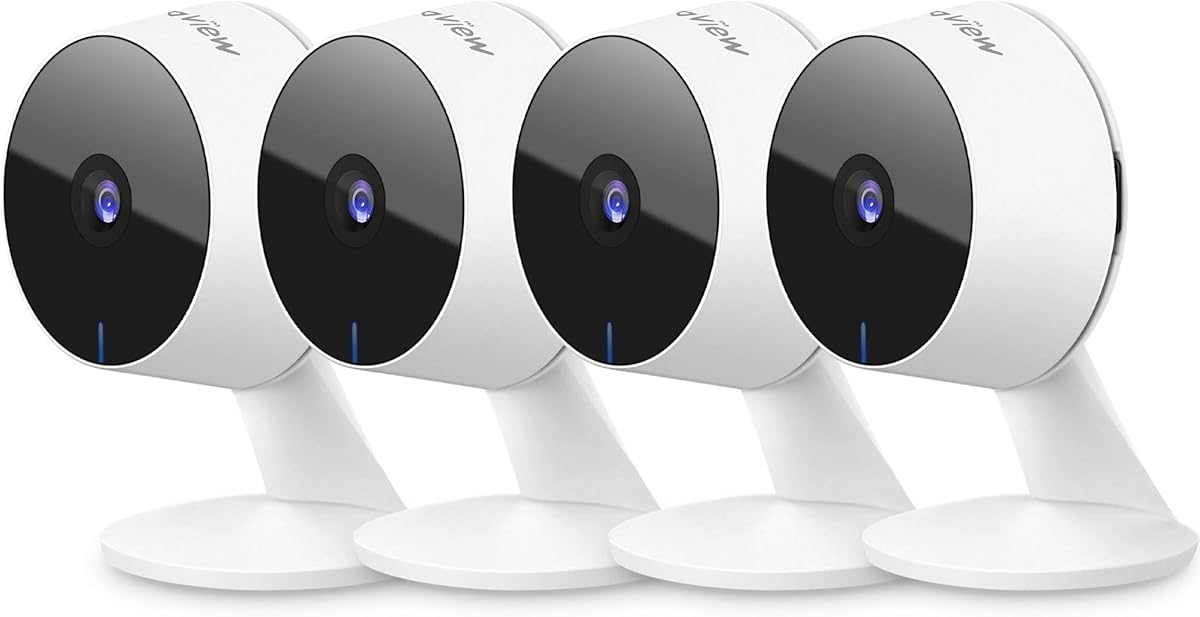
LaView provides a solid four-pack bundle for whole-home monitoring. It simplifies setup for multiple rooms efficiently.
We may earn a commission when you buy through this link, at no additional cost to you.
Supports up to nine simultaneous live feeds via app. Sharing access with up to 20 people is possible easily.
Resolution and bandwidth limits apply for standard internet. Still sufficient for casual monitoring requirements.
Best for those needing broad coverage cheaply. It offers reliable features for the price.
Share access with up to 20 people easily. Monitor multiple cameras from a single account efficiently.
Uses microSD slot up to 128GB locally. Cloud storage trial via AWS ensures data encryption.
We may earn a commission when you buy through this link, at no additional cost to you.
This camera offers a wire-free solution ideal for renters. It combines 2K resolution with strong magnetic mounting.
We may earn a commission when you buy through this link, at no additional cost to you.
Built-in 8GB storage avoids extra card purchases. PIR wake-up extends battery life significantly.
Requires occasional recharging which can be inconvenient. Still convenient for no-drill installation.
Perfect for renters needing flexible security. It balances convenience and storage well.
Built-in strong magnet means zero screws or tools. Zero wall damage makes it perfect for renters.
6400mAh battery paired with smart wake-up lasts months. Recharging is as simple as unsnapping from the base.
We may earn a commission when you buy through this link, at no additional cost to you.
Selecting the right camera involves evaluating resolution, storage, and smart features. Here are key factors to consider for your security setup.
Resolution determines how clear your footage is. Opt for 4K or 1080p depending on your needs for detail. Higher resolution helps identify faces or objects accurately.
Choose higher resolution for critical areas.
Storage types include local SD cards or cloud services. Local storage avoids monthly fees and keeps data private. Cloud storage offers easy remote access.
Decide between local or cloud based on privacy needs.
Night vision capabilities are vital for 24/7 monitoring. Look for color night vision or high IR range. This ensures visibility even in total darkness.
Prioritize cameras with advanced night vision.
Smart detection filters out false alarms effectively. AI features can distinguish between people and pets. This reduces unnecessary notifications.
Look for AI-powered detection zones.
Compatibility with assistants like Alexa or Google helps control. Voice commands simplify viewing live streams. HomeKit users should check resolution limits.
Check compatibility with your existing smart devices.
Privacy covers or app controls ensure you stay in control. Physical shutters prevent unwanted recording easily. This gives peace of mind at home.
Prioritize physical privacy controls if needed.
Battery cameras offer placement flexibility but need charging. Wired models ensure consistent power without interruptions. Choose based on installation convenience.
Select wired for reliability and battery for ease.
Place cameras at eye level for best facial coverage. Ensure they face high traffic areas or valuable items. Avoid direct sunlight to prevent glare issues.
Keep firmware updated through the app for security. Use strong passwords to protect your accounts effectively. Regularly check your SD cards for errors.
Adjust detection zones to minimize false alerts. Clear the lens of dust to maintain clarity over time. Schedule routine tests to verify alerts work.
Most indoor wireless cameras require Wi-Fi for remote access. Some models allow local storage even if internet is down. Check if your model supports offline recording directly.
Battery life varies based on usage frequency. Some models last months on a single charge. Recharging is usually done via a cable or magnetic base.
Many cameras work with Mac computers via apps or web views. Some offer specific software for playback and setup. Ensure your browser is supported for web access.
Color night vision uses sensors to show light in color. Infrared provides black and white images in darkness. Color offers better detail but needs some light.
Some models have optional cloud subscriptions. Others allow free local storage on SD cards. Check the product details for any required fees.
Use the app to add each device individually. Ensure your Wi-Fi handles multiple connections well. Name each camera clearly in the app interface.
Some cameras support web browser viewing on PCs. Others require the app for playback features. Check if the brand offers a PC viewer tool.
We reviewed ten top models offering unique features for home security. The Tapo 4K leads with resolution and privacy features.
Prioritize storage and resolution based on your specific needs. Consider battery life or wired power depending on installation.
Always verify current offers and details before purchasing. Security tools evolve so stay informed about the latest updates.