
INNOCN 49C1G
4.4Editor score
144Hz refresh rate
Dual FHD resolution
USB C power delivery
Choosing the right display can transform your workflow and entertainment experience significantly. A 49 inch ultrawide curved monitor offers an immersive viewing angle that wraps around your field of vision. This expansive format is ideal for multitasking, gaming, and creative work where screen real estate matters most.
We have evaluated top models based on resolution, refresh rates, panel technology, and connectivity options. Our selection includes diverse options ranging from budget-friendly picks to premium OLED displays. Each product was analyzed for its ability to deliver smooth visuals and reliable performance under various workloads.
Every pick in this list highlights specific strengths tailored to different user needs and budgets. You will find detailed breakdowns of specs, pros, and cons for each model to help you decide. Please note that product availability and pricing can change frequently so check current listings before buying.
4.4Editor score

4.1Editor score
4.2Editor score
As an Amazon Associate we earn from qualifying purchases.
The following table provides a side-by-side look at key specifications for every model on our list. Compare resolution, refresh rates, and connectivity to find the screen that fits your setup best.




This Samsung monitor stands out with its QD-OLED panel delivering vibrant colors and deep blacks. It holds a strong rating for gamers seeking top-tier visual fidelity. The screen wraps around your vision with an 1800R curve for total immersion.
We may earn a commission when you buy through this link, at no additional cost to you.
Its speed is exceptional thanks to a 240Hz refresh rate and near instant 0.03ms response time. G-Sync compatibility ensures smooth gameplay without tearing. The HDR True Black 400 certification means dark scenes look rich and detailed.
While the cost is high, the performance justifies it for enthusiasts. Burn-in risk exists but modern safeguards mitigate this. The design is sleek and modern with a premium finish.
Buy this if you want the absolute best visual experience for gaming or content creation. It is ideal for users who prioritize image quality over budget constraints.
QD-OLED technology provides colors and contrast that LCD screens cannot match for a stunning look.
The high refresh rate and fast response time give players a real advantage in fast-paced games.
We may earn a commission when you buy through this link, at no additional cost to you.
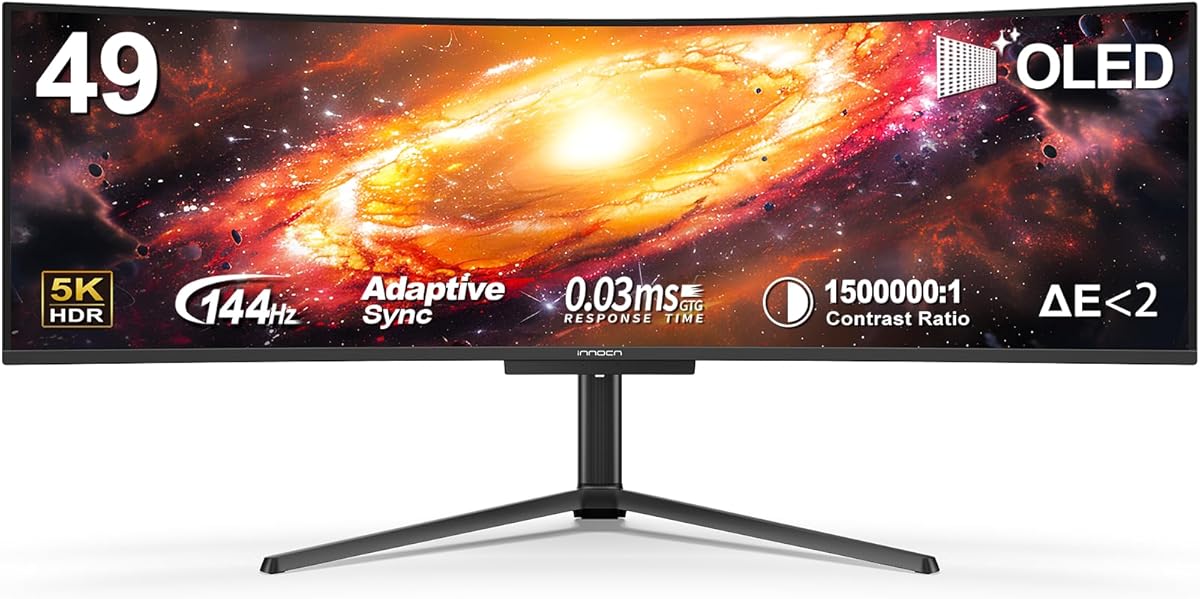
The INNOCN 49Q1R brings OLED quality to a broader audience with a 5K2K resolution. It offers a massive 32:9 aspect ratio for multitasking. The display curves gently to reduce eye strain during long sessions.
We may earn a commission when you buy through this link, at no additional cost to you.
Its USB C port supports up to 90W power delivery making it great for laptops. Adaptive-Sync and HDR400 ensure smooth visuals. The panel delivers high contrast and rich colors typical of OLED technology.
While newer to the market it holds a good rating for performance. The lack of physical buttons might be inconvenient for some. However the image quality is impressive for the price.
Choose this if you want OLED benefits without the top-tier price tag. It is perfect for users needing high resolution and fast connectivity for work and play.
The 5K2K resolution provides sharp text and details that make creative work more precise and enjoyable.
The 90W USB C connection can charge a laptop while delivering video and data through a single cable.
We may earn a commission when you buy through this link, at no additional cost to you.
This model offers a massive screen size at an accessible price point. It features a 144Hz refresh rate suitable for gaming. The 32:9 aspect ratio splits easily into two 1080p screens for productivity.
We may earn a commission when you buy through this link, at no additional cost to you.
Connectivity is strong with HDMI DisplayPort and USB C ports. The USB C port provides 65W power delivery for laptops. Built-in speakers save desk space for casual listening.
The main trade-off is the lower vertical resolution compared to higher-end models. For general use and gaming this is rarely an issue. The adjustable stand helps position the screen comfortably.
Buy this if you need a large workspace without breaking the bank. It is ideal for students or casual users wanting wide screens on a budget.
You get the immersive feel of an ultrawide screen without the premium cost usually associated with large displays.
The wide screen allows you to keep two applications open side-by-side for easier multitasking on one desk.
We may earn a commission when you buy through this link, at no additional cost to you.
The INNOCN 49C1R delivers a very high resolution for its size. Text and images look incredibly sharp. It uses a VA panel for good contrast and color saturation.
We may earn a commission when you buy through this link, at no additional cost to you.
A 120Hz refresh rate ensures smooth motion. The USB C port supports power delivery for laptops. Adjustable stand options include tilt and height for ergonomics.
While it is a premium model it offers solid value for creators. The weight is substantial so ensure your desk can support it. The 32:9 ratio is perfect for video editing.
Choose this for detailed design work or coding. It is great for those needing resolution and screen real estate.
The high resolution ensures that fine lines and details in your designs are clear and precise on screen.
Adjusting height and tilt helps keep your posture healthy during long work sessions.
We may earn a commission when you buy through this link, at no additional cost to you.
LG is known for reliability and this monitor reflects that. It features a 21:9 aspect ratio that fits many workflows. The stand allows height and tilt adjustments for comfort.
We may earn a commission when you buy through this link, at no additional cost to you.
USB C allows for laptop charging while connected. OnScreen Control software lets you manage windows easily. Reader Mode reduces eye strain during reading tasks.
The 100Hz refresh is smooth but not gaming focused. HDR10 adds some pop to media. The design is sleek with a borderless look.
This is a top choice for office productivity. It balances features and comfort well for daily use.
USB Type-C simplifies your setup by delivering power and video through a single connection.
OnScreen Control helps you organize multiple apps without needing extra hardware or complex settings.
We may earn a commission when you buy through this link, at no additional cost to you.
Samsung ViewFinity monitors target professionals needing accurate colors. The QHD resolution is standard for modern work. HDR10 enhances contrast for media viewing.
We may earn a commission when you buy through this link, at no additional cost to you.
Eye Saver Mode reduces blue light for long tasks. 120Hz ensures smooth scrolling. Game Mode adjusts settings for better visibility in games.
The frame is thin and looks modern. It lacks some advanced connectivity found in larger monitors. But it is solid for business use.
Pick this for design or office work. It offers a balance of performance and eye care.
Certified Eye Saver Mode helps protect vision by minimizing harmful light during long shifts.
With 120Hz refresh you get smooth visuals without needing extreme gaming specs.
We may earn a commission when you buy through this link, at no additional cost to you.
This LG model focuses on fluid motion. 120Hz refresh rate is great for video calls and browsing. LG Switch allows easy layout changes via hotkey.
We may earn a commission when you buy through this link, at no additional cost to you.
Black Stabilizer brightens dark scenes for better visibility. HDR10 support adds visual depth. The stand is small to save desk space.
It lacks USB C which might be a dealbreaker for some. But it offers solid basic features. The curve helps with viewing angles.
Buy this for general use where simplicity matters. It is good for media consumption and casual work.
The curve reduces eye strain by aligning with your natural field of vision for a better fit.
LG Switch lets you change view layouts instantly to keep your focus on tasks.
We may earn a commission when you buy through this link, at no additional cost to you.
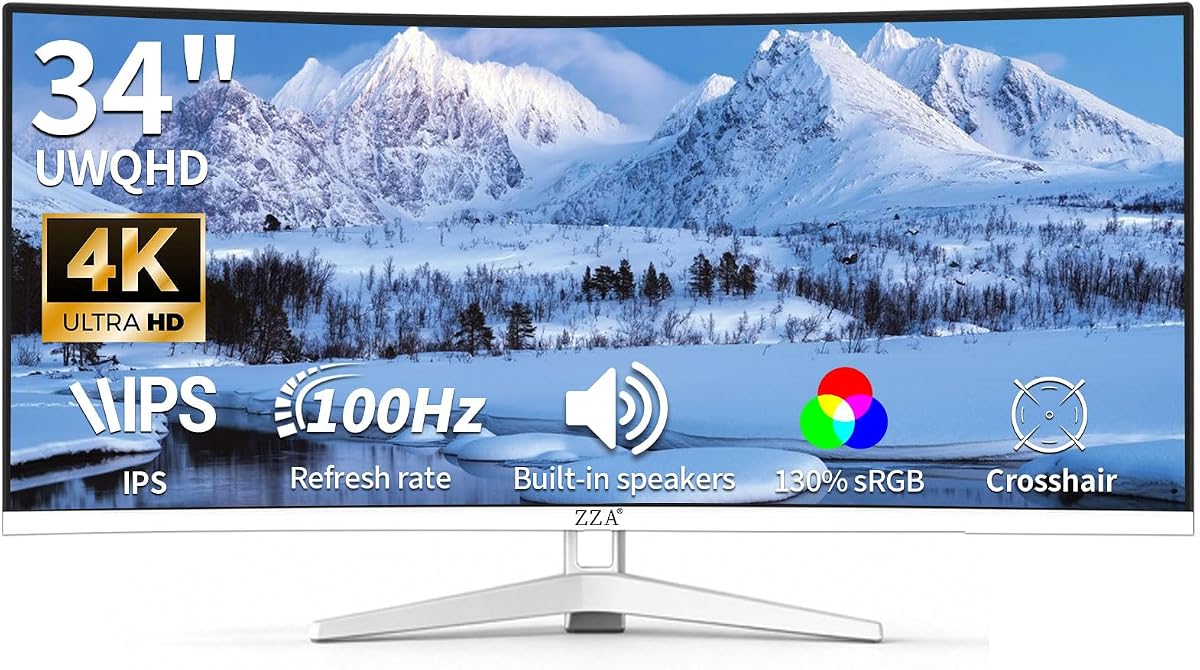
ZZA offers a vibrant panel with 130% sRGB coverage. Colors look rich and accurate for creative tasks. The 100Hz refresh rate handles general gaming well.
We may earn a commission when you buy through this link, at no additional cost to you.
Built-in speakers remove the need for external ones. VESA mounting is compatible for wall setup. The white frame adds a unique look.
While not a major brand it gets good reviews. It lacks USB C charging options. The performance is solid for the cost.
Choose this for a unique aesthetic and color focus. It fits well in home offices needing audio and visuals.
The wide color gamut ensures your photos and videos look true to life on screen.
VESA compatibility allows you to mount the monitor on a wall or arm to free up desk space.
We may earn a commission when you buy through this link, at no additional cost to you.
This monitor works without a PC thanks to built-in webOS. It streams apps directly to the screen. The Magic Remote makes navigation easy for media.
We may earn a commission when you buy through this link, at no additional cost to you.
AirPlay 2 support allows quick casting. It is ideal for casual browsing and video. The display quality is decent for daily tasks.
It is not a gaming monitor due to input lag. But it offers a unique standalone solution. Great for a secondary screen.
Pick this for a simple living room or media setup. It removes the need for a computer entirely.
Connect your phone directly via AirPlay for instant video or photo display.
Direct app access means you can watch shows without powering on a separate computer.
We may earn a commission when you buy through this link, at no additional cost to you.
Sceptre delivers high speed for competitive gaming. 240Hz refresh rate is rare at this price point. 1ms response time reduces blur effectively.
We may earn a commission when you buy through this link, at no additional cost to you.
Blue-light shift protects eyes during long sessions. Built-in speakers add convenience. Multiple HDMI and DisplayPort inputs allow flexibility.
The curve is aggressive which some may find intense. Build quality is decent for the price. It fits well in tight gaming setups.
Buy this for fast-paced gaming. It is a budget-friendly way to get high refresh rates.
High refresh and low response make fast action look smooth and clear.
Built-in features reduce blue light to help comfort during extended use.
We may earn a commission when you buy through this link, at no additional cost to you.
Selecting the right monitor involves balancing resolution, panel type, and features. Here are the key factors to consider before buying.
Higher resolution like WQHD or 5K2K ensures text and details remain sharp. For productivity this reduces eye strain and allows more space. Check if the resolution matches your graphics card capabilities.
Opt for higher resolution if you work with detailed graphics or code.
Refresh rate determines smoothness. Gamers need 120Hz or higher to avoid blur. Response time should be under 5ms for clear motion. This prevents ghosting in fast games.
Prioritize high refresh rates for competitive gaming and fluid video playback.
IPS offers wide viewing angles while VA provides better contrast. OLED delivers perfect blacks and vibrant colors. Consider your use case: OLED for media, VA for general use.
Choose the panel type that fits your need for color accuracy and depth.
Check for USB-C to charge laptops while displaying. HDMI and DisplayPort are standard. USB hubs add convenience for peripherals. Ensure enough ports for your devices.
Look for USB-C power delivery to simplify your desk setup.
Adjustable stands help with posture. A curved screen reduces strain by keeping all points equidistant. Ensure the monitor fits your desk depth and width.
Select a monitor with height tilt and swivel adjustments for comfort.
OnScreen Control and Picture-by-Picture help multitask. HDR support improves media. Look for eye care features like blue light filters. These add value over standard models.
Software tools are key for managing multiple windows efficiently.
Check reviews for durability. A good warranty protects against defects. Brands like LG and Samsung offer reliable support. Consider the frame design for aesthetics.
Verify warranty terms to ensure long-term peace of mind.
Price ranges vary from budget to premium. Define your needs to avoid overspending. Higher price often means better color and speed. Balance cost against required specs.
Invest in what matters most for your daily tasks.
Proper setup ensures the best viewing experience. Position the monitor so the center is at eye level. Use the adjustable stand to reduce neck strain. Connect your laptop via USB-C for a clean desktop.
Keep the screen clean with a soft microfiber cloth. Avoid harsh chemicals that might damage the coating. Adjust brightness and contrast based on room lighting. Use night mode in the evenings to reduce eye fatigue.
Organize your workspace to utilize the wide screen. Split windows using software tools for better focus. Avoid placing the monitor near direct sunlight to prevent glare. Regular calibration helps maintain color accuracy over time.
A curved monitor keeps the edges closer to your eyes, reducing strain. It creates a more immersive field of view for multiple windows. This is helpful for wide spreadsheets or video timelines. It suits immersive multitasking.
WQHD or 5K2K resolutions offer enough text sharpness for code. Higher resolution means smaller fonts without losing clarity. It allows many lines on screen without scrolling. This improves reading speed.
Most support USB-C which Macs use natively. macOS scales well for 49-inch displays. You may need to adjust scaling settings for text size. It fits seamlessly into a Mac workflow.
OLED offers infinite contrast and perfect blacks for media. It excels in dark scenes and color work. It is a premium choice. If media is your focus it is worth it.
Some models have built-in apps and streaming. Others need a computer for media. HDMI ports allow console connection. Smart features allow standalone use. It can function as a TV.
Power varies by size and panel. Larger monitors draw more power than standard. OLED panels use less power on dark content. Check energy labels before buying. It fits standard office use.
60Hz is fine for office work. 120Hz is better for smooth scrolling. Gamers prefer 144Hz or 240Hz. High refresh prevents motion blur. Choose based on your usage.
Use blue light filters and adjust brightness. Take regular breaks every 20 minutes. Position the screen 20 inches away. Keep a humid room to avoid dry eyes. Comfort is key for long hours.
We reviewed ten top models with the Samsung G93SC leading for performance. The INNOCN 49Q1R offers great value for OLED lovers. Budget buyers can rely on the INNOCN 49C1G.
Prioritize resolution if you work with code or design. Gamers should focus on refresh rate and response time. For general office work a standard WQHD model works well.
Always check current availability and pricing before buying. Technology evolves quickly so verify specs on the product page. Select the model that fits your desk and budget best.