
Anycubic Kobra X
4.2Editor score
Native 4-color printing
LeviQ 3.0 leveling
Large build volume
Discover the easiest 3D printers for beginners. This guide compares top models with auto-leveling, simple setup, and reliable performance for hassle-free
Finding a reliable machine that simplifies the creative process is essential for anyone entering the world of additive manufacturing. The best options prioritize seamless setup, automatic calibration, and intuitive controls to ensure successful prints from the very start.
We evaluated ten leading models based on ease of use, setup time, and user feedback. Our selection focuses on machines that minimize manual adjustments, offer smart features, and provide a smooth experience for beginners and seasoned hobbyists alike.
Each pick highlights key strengths, pros, cons, and ideal use cases to help you decide. Please note that pricing and availability may change frequently, so verify current details before purchasing to ensure you get the best deal possible.
4.2Editor score

4.7Editor score

4.5Editor score
This side-by-side comparison highlights the key specifications and unique features of each selected model to help you quickly identify which printer fits your specific needs and skill level.






The Bambu Lab A1 stands out as a top contender for anyone seeking an easy-to-use 3D printer. With a high rating, it delivers professional results without the usual headaches of manual calibration or complex assembly.
We may earn a commission when you buy through this link, at no additional cost to you.
Its full-auto calibration system handles Z-offset and bed leveling automatically, ensuring perfect first layers. The active flow rate compensation maintains consistent quality, while the quiet motor noise canceling keeps the environment peaceful.
While the AMS lite for multi-color printing is an optional add-on, the base model offers incredible value. The only minor trade-off is the reliance on a stable network for full app features, but local printing works flawlessly.
This printer is ideal for beginners who want reliability and speed. Its user-friendly touchscreen and quick-swap nozzle make maintenance simple. We highly recommend it for its balance of performance and ease of use.
Automatic calibration eliminates the guesswork and manual adjustments that often frustrate new users, ensuring every print starts perfectly aligned.
Active motor noise canceling allows for quiet operation even at high speeds, making it perfect for home offices or shared living spaces.
We may earn a commission when you buy through this link, at no additional cost to you.
The FLASHFORGE Adventurer 5M offers impressive speed and auto leveling capabilities for rapid prototyping. While it has a slightly lower rating, its features like CoreXY structure and quick nozzle changes appeal to those prioritizing efficiency and maintenance ease.
We may earn a commission when you buy through this link, at no additional cost to you.
Its one-click automatic printing ensures flawless first layers without manual tweaking. The dual-sided PEI platform and vibration compensation help maintain quality during high-speed printing. Smart app monitoring allows remote control, adding convenience to the workflow.
However, some users report initial setup challenges compared to competitors. The lower overall rating suggests variability in quality control or user experience. These issues are generally manageable with patience and following the manual carefully.
This model is best for users who need fast production and are comfortable troubleshooting minor setup issues. Its high-speed capabilities and smart design make it a strong choice for focused productivity projects.
With speeds up to 600mm/s and a CoreXY structure, this printer reduces production cycles significantly for time-sensitive creative or engineering tasks.
Real-time app monitoring lets you check print progress and receive alerts remotely, ensuring you never miss an important status update.
We may earn a commission when you buy through this link, at no additional cost to you.
The Bambu Lab A1 mini brings the trusted ease of use of the larger A1 to a compact form factor. It is designed to make 3D printing easy from day one with automatic calibration and simple setup.
We may earn a commission when you buy through this link, at no additional cost to you.
Its inclusion of an LED Lamp Kit encourages creativity by allowing users to create functional decorative lights. Access to MakerWorld provides ready-to-print models, while the Bambu Handy app simplifies management.
While the smaller build volume limits large projects, it is perfect for everyday creativity like toys or home decor. The trade-off is minimal given the high quality and reliability it delivers for small to medium prints.
Ideal for beginners or those with limited desk space, this printer delivers high-speed, quiet performance. It is a seamless entry point into the Bambu Lab ecosystem for worry-free creation.
The included LED Lamp Kit lets you turn 3D creations into functional decorative lights, making it perfect for DIY projects and gifts.
Access a huge library of ready-to-print models on MakerWorld and manage prints easily via the Bambu Handy app for smarter workflows.
We may earn a commission when you buy through this link, at no additional cost to you.
The Bambu Lab P1S adds an enclosed design to the reliable A1 platform, enabling advanced filaments like ABS and ASA. It supports multi-color printing with optional AMS, making it a powerhouse for complex projects.
We may earn a commission when you buy through this link, at no additional cost to you.
Its setup in 15 minutes and auto leveling ensure a hassle-free experience. Lightning-fast speeds let you focus on creating rather than waiting. Supported filaments include PLA, PETG, and TPU for versatile daily use.
The main trade-off is the extra cost for the AMS system needed for multi-color. However, the performance gains and enclosed benefits are worth it for users seeking professional results at home.
This printer is recommended for those who need versatility and speed. Its enclosed design improves performance for tough materials, while the reliable calibration and setup make it accessible for all skill levels.
The fully enclosed body improves print performance for advanced filaments like ABS and ASA, allowing for stronger and more durable projects.
Spend more time printing with a setup process that takes only 15 minutes, ensuring a hassle-free assembly experience for all skill levels.
We may earn a commission when you buy through this link, at no additional cost to you.
The AOSEED AI 3D Printer transforms creativity with AI-powered tools like Doodle and MiniMe. Designed for kids and families, it features an enclosed safe design and a complete starter kit with filament and tools.
We may earn a commission when you buy through this link, at no additional cost to you.
AI creativity tools allow custom 3D models via voice or text without design skills. One-tap printing and real-time monitoring with the built-in camera make the process engaging and simple for families to enjoy together.
While it supports only single-color printing, the AI features compensate by enabling endless creative possibilities. The safety features and educational focus make it a premium choice for homes prioritizing child-friendly use.
This printer is ideal for families seeking a safe, educational toy factory. With its complete kit and AI capabilities, it inspires creativity while ensuring a smooth and secure experience for kids.
AI Doodle and MiniMe let kids create custom 3D models using voice, text, or image prompts, bringing imagination to life without design skills.
The enclosed, pinch-resistant design and one-tap printing ensure a safe and frustration-free experience for kids of all ages.
We may earn a commission when you buy through this link, at no additional cost to you.
The Entina Tina2C is designed for first-time users and kids, offering guided setup through the Poloprint Cloud app. Fully assembled, it allows users to start their first print in as fast as 8 minutes.
We may earn a commission when you buy through this link, at no additional cost to you.
AI-powered search and 20+ creative modules turn creativity into an educational experience. WiFi and offline printing flexibility allow users to print from the app or TF card, adapting to different workflows.
Its compact size and self-cleaning nozzle make maintenance simple. The small build volume is a trade-off but perfect for STEM projects and small creative builds. Quiet operation ensures comfort in home or classroom environments.
This printer is ideal for educational settings. Its ease of use and STEM focus make it a practical choice for schools and families looking to teach design and engineering skills easily.
Regularly updated STEM learning courses and interactive tools turn creativity into an engaging educational experience for kids and families.
Supports both WiFi and offline TF card printing, giving users flexible ways to create anytime, anywhere with or without a network.
We may earn a commission when you buy through this link, at no additional cost to you.
The FLASHFORGE AD5M combines brand-new technology and superior craftsmanship to meet the needs of all users. Its CoreXY all-metal motion structure ensures high-speed printing without compromising quality or stability.
We may earn a commission when you buy through this link, at no additional cost to you.
The automatic one-click leveling system measures the nozzle-to-build plate distance to ensure perfect first layers. The quick-release nozzle can be swapped in as little as 3 seconds, simplifying maintenance for novices and experts alike.
Resume prints after power outages ensures no work is lost. Network monitoring via the Flash Maker APP adds convenience. The main trade-offs are occasional software quirks and noise at peak speeds.
Ideal for those needing reliability and speed, this printer delivers consistent results. Its easy maintenance and smart features make it a stress-free journey for both beginners and seasoned professionals.
The CoreXY all-metal motion structure ensures high-speed printing without compromising quality, providing stable and smooth performance even in high-speed mode.
Quick-swap nozzle changes and flexible PEI plates simplify maintenance and material removal, reducing downtime for beginners and experts alike.
We may earn a commission when you buy through this link, at no additional cost to you.
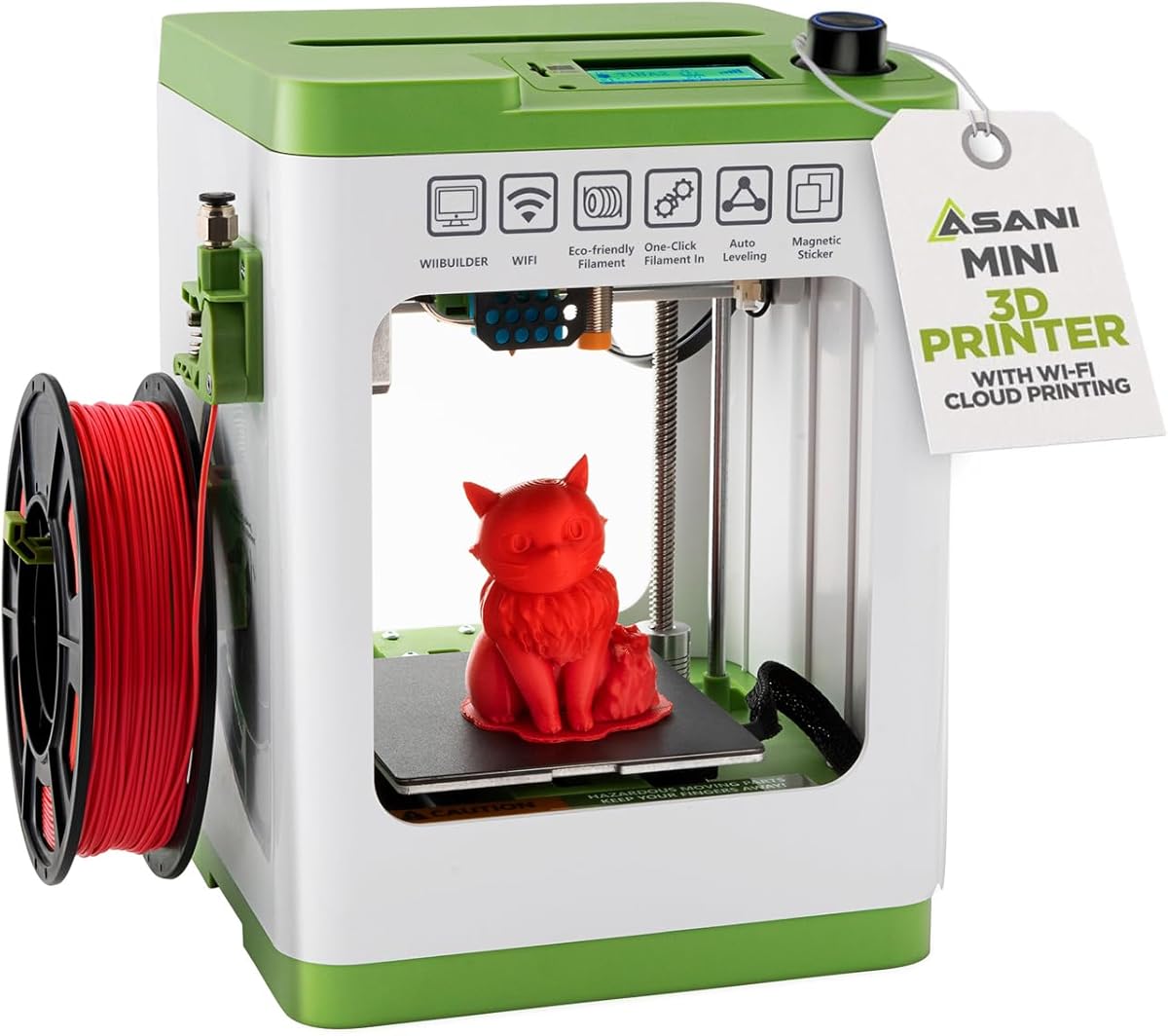
The TINA2S offers a complete starter kit with everything needed to begin. Fully assembled, it is designed for reliable use right out of the box. It includes filament, a microSD card with models, and accessories.
We may earn a commission when you buy through this link, at no additional cost to you.
Easy auto leveling and one-touch filament loading simplify the process. Compatible with Windows, Mac, and Linux, it works with major slicer software. Its compact size makes it perfect for home or dorms.
The trade-off is a smaller build volume and fewer advanced features compared to high-end models. However, for beginners or students, its simplicity and reliability are significant advantages.
This printer is recommended for anyone wanting an all-in-one solution. With its starter kit and open-source flexibility, it provides a reliable entry point into 3D printing for all skill levels.
The complete starter kit includes filament, models, and accessories, allowing you to start printing immediately without extra purchases.
Compatible with major slicers and operating systems, this printer allows flexible customization and learning expansion as skills grow.
We may earn a commission when you buy through this link, at no additional cost to you.
The Creality Ender 3 V3 SE is designed for fast setup with CR Touch auto leveling. It assembles in a few simple steps, reducing manual adjustments. This makes it accessible for beginners and experienced users alike.
We may earn a commission when you buy through this link, at no additional cost to you.
Its high-speed capability up to 250mm/s improves efficiency for prototypes. The dual synchronized Z-axis lead screws and silent mainboard ensure stable results and quiet operation. Flexible PC spring steel build plate aids easy removal.
While it requires some assembly compared to fully pre-assembled units, the cost savings are significant. Basic design features lack premium smart tools but deliver reliable performance for everyday projects.
This printer is ideal for budget-conscious users who value reliability. Its auto leveling and stable motion system make it a practical choice for efficient and consistent printing at home.
Print speeds up to 250mm/s help complete prototypes and everyday projects faster, making efficient use of your time and filament.
Dual synchronized Z-axis lead screws reduce vibration and wobble, ensuring accurate layer alignment throughout long print jobs.
We may earn a commission when you buy through this link, at no additional cost to you.
The Anycubic Kobra X offers native 4-color printing right out of the box, expanding creative possibilities. Its LeviQ 3.0 auto bed leveling system ensures flawless first layers and precise calibration with minimal effort.
We may earn a commission when you buy through this link, at no additional cost to you.
Hardened precision nozzle and high speed up to 600mm/s enable smooth workflow. Smart AI monitoring and remote control add convenience. The large print size allows for bigger projects without scaling down.
Filament is not included, requiring a separate purchase. Initial setup may take some time to optimize the multi-color features. These are minor trade-offs for the versatility it provides.
This printer is ideal for those seeking color variety. Its combination of speed, size, and built-in multi-color capability makes it a standout budget option for creative and practical applications.
Built-in 4-color capability lets you create vibrant multicolor models without additional hardware, expanding creative possibilities for any project.
LeviQ 3.0 auto leveling ensures precise bed flatness, making every print ready in minutes without manual adjustments or errors.
We may earn a commission when you buy through this link, at no additional cost to you.
Choosing the right printer involves understanding your needs and the features that simplify the process. This guide breaks down the key factors to consider for a smooth and successful printing journey.
Auto-leveling ensures the first layer adheres properly without manual tweaks. Look for models with CR Touch or inductive sensors that adjust Z-offset and bed leveling automatically for reliable results.
Prioritize printers with fully automatic calibration to avoid the frustration of manual bed leveling, which is the most common beginner mistake.
Consider how much time you want to spend assembling the unit. Some models arrive fully assembled, while others require tools and time to build. Fully assembled units are ideal for immediate use.
Choose a printer that is ready out of the box or has quick setup instructions to get printing faster and avoid complex assembly challenges.
The build volume determines the maximum size of your projects. A larger volume allows bigger prints but requires more desk space. Ensure it matches your typical project scale.
Evaluate your available workspace and choose a printer with a build volume that accommodates your intended creations without cluttering your environment.
Connectivity options like Wi-Fi and app control enhance convenience. They allow remote monitoring, file transfers, and adjustments without walking to the machine.
Select a printer with intuitive app control and stable connectivity to simplify management and monitor prints remotely for peace of mind.
Different printers support different filaments like PLA, PETG, or ABS. Enclosed printers handle more materials better. Check if the machine suits your material preferences.
Ensure the printer supports the filaments you plan to use to avoid compatibility issues and achieve the desired quality and durability.
Noise levels matter for home or shared spaces. Look for quiet boards and motor designs. Safety features like enclosed bodies and filament runout detection protect users and hardware.
Prioritize quiet operation and safety features like enclosed designs to ensure a comfortable and secure printing environment for everyone.
A strong community provides model libraries, tutorials, and troubleshooting. Ecosystem features like cloud platforms simplify the workflow with pre-sliced models and management tools.
Choose a brand with an active community and ecosystem to access support, models, and tools that make the printing process easier and more enjoyable.
Consider not just the upfront price but also filament, tools, and potential upgrades. Some models have lower entry costs but may require expensive parts later.
Look for a printer that fits your budget while offering value and durability to avoid hidden costs and ensure long-term satisfaction with your investment.
Start by setting up the printer in a well-ventilated area and leveling the bed. Use the auto-leveling feature to ensure precise calibration, then load the filament as instructed. This ensures your first print starts correctly and adheres well.
For maintenance, keep the nozzle clean and replace it if clogged. Periodically check belt tension and clean the build plate with alcohol. Regular upkeep prevents failures and keeps prints consistent over time.
Monitor your prints via the app or camera to catch issues early. Use quality filament and store it in a dry place to maintain print quality. Following these practices extends the life of your printer and improves results.
The Bambu Lab A1 is often considered the easiest due to its auto-calibration and quick setup. Its touchscreen interface and reliable performance minimize manual adjustments, making it ideal for first-time users.
No, most models on this list are designed for non-technical users. They feature auto-leveling, simple apps, and detailed guides. Even kids can use them safely with parental supervision for best results.
Fully assembled models take minutes to set up. Others may take 15 to 30 minutes. Always follow the manufacturer's instructions. Some brands offer video tutorials to speed up the process significantly.
PLA is the best choice for beginners due to its low warping and easy printability. It works on all standard printers. Avoid materials like ABS until you gain more experience with settings.
Yes, some models support multi-color via optional add-ons like AMS. Others have built-in systems. Check specifications before buying. Multi-color allows complex designs but increases cost and setup complexity slightly.
Check bed leveling and filament load first. Ensure the nozzle is not clogged and the bed is clean. Use the app to monitor progress. Restarting and re-slicing often solves simple errors quickly.
Most modern models have safe designs and monitoring. However, avoid leaving them overnight without supervision. Use cameras and alerts to stay informed. Always ensure good ventilation and fire safety in your space.
With proper care, most printers last several years. Regular maintenance like cleaning and belt checks prolongs life. Replacing worn parts like nozzles and belts helps keep performance optimal over time.
The top picks like the Bambu Lab A1 and AOSEED AI 3D Printer offer exceptional ease of use with advanced features. They balance performance with reliability to ensure success for all users.
Prioritize models with auto-leveling and strong support systems. This saves time and frustration while ensuring consistent quality for your projects. Your choice depends on specific needs like speed or multi-color capability.
Always check current prices and availability before buying. Technology evolves quickly so verify that the features you need are still supported. This ensures you get the best value and experience possible for your needs.