
ASUS TUF F16 RTX 4050 Pro Gaming Laptop
4.0Editor score
Intel Core 5 210H processor
32GB DDR5 high bandwidth RAM
RTX 4050 6GB graphics
Selecting the right laptop for Fusion 360 requires balancing powerful hardware with portability for engineering tasks. This guide reviews ten models offering the specs needed to run complex 3D models efficiently.
We compared processors, graphics cards, memory, and display quality across diverse price points. Each entry includes verified specs and user feedback to help you find a machine that handles rendering and design smoothly.
Every pick highlights unique strengths and potential trade-offs for CAD work. Remember that prices fluctuate daily so check current listings before purchasing to ensure you get the best deal available today.
4.0Editor score

4.5Editor score
4.0Editor score
As an Amazon Associate we earn from qualifying purchases.
This side-by-side comparison details the core specifications of ten laptops suitable for Fusion 360 workloads. Use this table to quickly identify which device matches your performance needs and budget constraints.




The HP Victus FHD-Gaming-Laptop stands out with a rating of 4.5 stars for its powerful performance suited to Fusion 360 tasks. It combines an 8-core Intel processor with 32GB of RAM to handle complex assemblies without slowdowns.
We may earn a commission when you buy through this link, at no additional cost to you.
Its NVIDIA RTX 3050 graphics card accelerates rendering and viewport navigation significantly. The 144Hz display provides smooth visuals during design work. Additionally the dedicated numeric keypad helps with precise data entry for engineering calculations.
While its gaming aesthetic might not suit all office environments the performance justifies the look. Battery life is decent but expect shorter duration when running intensive CAD applications. The large 1TB SSD ensures ample space for project files.
This model is ideal for professionals needing robust specs for frequent rendering and simulation work. Choose it if performance priority over portability and you require substantial memory for large projects efficiently.
The 8-core Intel i5 processor ensures that even complex 3D operations run smoothly without lag during design phases.
NVIDIA RTX 3050 graphics provide dedicated video memory to accelerate rendering tasks and improve overall visual fidelity.
We may earn a commission when you buy through this link, at no additional cost to you.
Rated 4.0 stars this ASUS TUF model delivers premium specs ideal for demanding Fusion 360 workflows. It features Intel Core 5 210H processor paired with 32GB of fast DDR5 RAM for superior multitasking capability.
We may earn a commission when you buy through this link, at no additional cost to you.
The NVIDIA RTX 4050 graphics unit offers advanced performance for rendering and simulations. A 16-inch FHD+ display gives ample screen real estate to view toolbars and designs simultaneously. The included PCO cooler helps maintain optimal temperatures during long sessions.
Premium performance comes with a higher price tag that might stretch budgets for some users. The bundle adds value but may increase portability concerns for travelers. Still the raw power makes it a top contender for serious engineers.
Invest in this laptop if you need cutting-edge specs for heavy professional workloads. It balances high performance with reliable cooling making it a solid choice for those seeking premium features.
32GB DDR5 RAM enables faster data access and smoother switching between multiple engineering applications and browser tabs.
The 16-inch screen provides more workspace for detailed CAD drawings reducing the need for constant zooming in.
We may earn a commission when you buy through this link, at no additional cost to you.
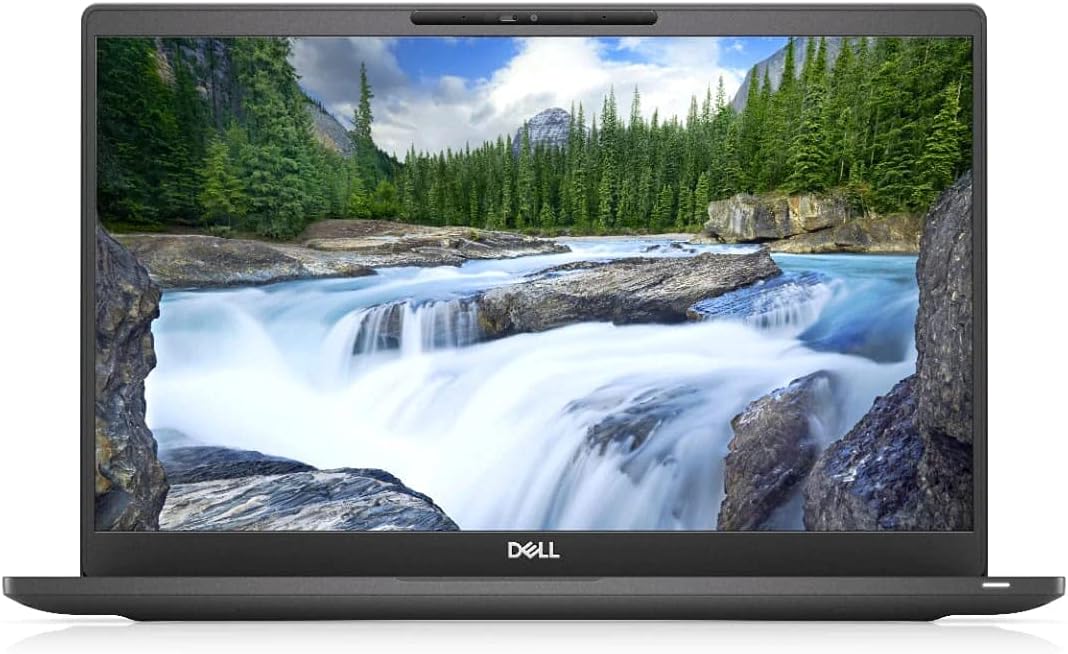
With a rating of 4.0 stars this Dell Latitude 7400 offers a cost-effective solution for Fusion 360 users on a budget. It features a 32GB RAM configuration which is rare at this price point supporting smooth operation of complex assemblies.
We may earn a commission when you buy through this link, at no additional cost to you.
The 14-inch FHD display provides clear visuals for design work. Its Core i7 processor handles typical CAD tasks adequately for most standard projects. The professional look fits well in corporate settings without the gaming aesthetic of other options.
While the processor is older it remains capable for basic to intermediate 3D modeling tasks. The storage may fill up quickly with large project files so external drives are recommended for extensive archives. Renewed condition may vary slightly.
Select this model if you need maximum RAM under a tight budget. It is ideal for students or professionals who prioritize memory capacity over raw processor speed for everyday engineering workloads.
Getting 32GB of RAM at a budget price makes this laptop a strong contender for multitasking engineering students.
Dell Latitude series is known for durability making it suitable for daily use in demanding office environments.
We may earn a commission when you buy through this link, at no additional cost to you.
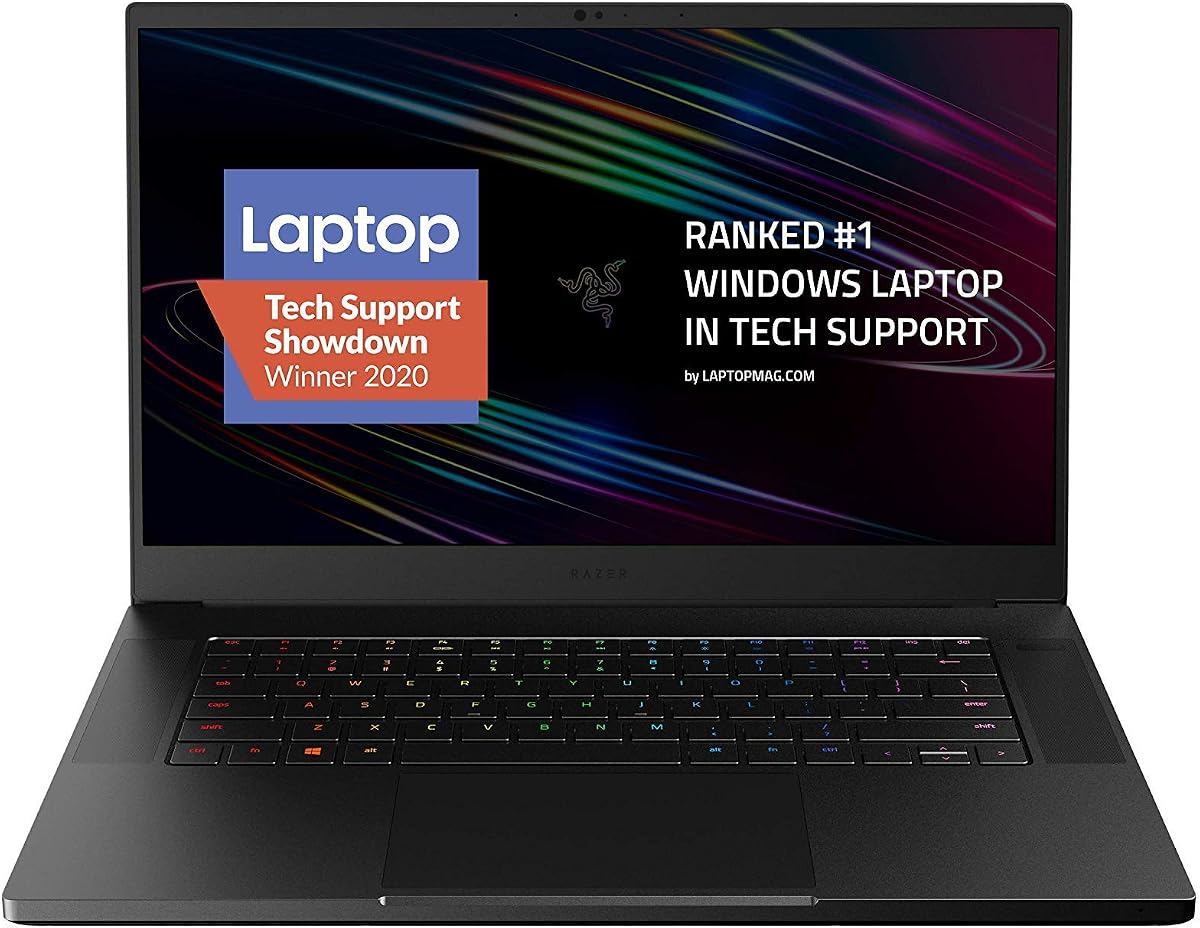
This Razer Blade 15 has a 4.3 star rating for its premium build quality and strong past performance. It features an 8-core Core i7 processor and RTX 2070 Super graphics which remain capable for many Fusion 360 operations today.
We may earn a commission when you buy through this link, at no additional cost to you.
The 300Hz display offers incredibly smooth visuals beneficial for navigating complex 3D environments without screen tearing. CNC Aluminum chassis provides durability and a sleek look. Thunderbolt 3 port allows fast external connections for high-speed data transfer.
Despite its capabilities the hardware generation is older compared to new models which might affect future software compatibility. RAM and storage are lower than recommended for heavy multitasking. The premium price reflects build quality rather than raw power now.
Choose this laptop if you value design and portability alongside solid performance. It suits professionals needing a reliable machine for client presentations and standard CAD work with a professional aesthetic.
The 300Hz refresh rate ensures fluid motion during 3D navigation which helps reduce eye strain during long sessions.
Thunderbolt 3 enables connecting external GPUs or high-speed storage for expanded workflow flexibility and performance.
We may earn a commission when you buy through this link, at no additional cost to you.
Rated 4.5 stars this ASUS TUF Gaming Laptop offers solid entry level performance for Fusion 360 with a focus on durability. Its Core i7 processor and GTX 1650 graphics provide a capable base for learning basic CAD workflows efficiently.
We may earn a commission when you buy through this link, at no additional cost to you.
The MIL-STD-810G construction ensures the device withstands rugged handling suitable for field work or student use. A 144Hz display delivers smooth visuals when moving around 3D models. The 512GB SSD offers decent storage for projects and applications.
RAM might be insufficient for heavy multitasking so upgrading could improve performance significantly for larger assemblies. The default Windows 10 system may require an upgrade to current versions for best compatibility. Still the value is strong.
This laptop suits beginners or those needing a sturdy device for light to moderate CAD work. It is a great entry point for students wanting reliable hardware without breaking the bank on premium specs.
Military-grade construction ensures the laptop can handle accidental bumps and travel wear for mobile professionals.
The 144Hz screen allows smoother panning and zooming which reduces visual stutter during detailed modeling sessions.
We may earn a commission when you buy through this link, at no additional cost to you.
This Acer Chromebook Spin 513 rated 4.1 stars offers excellent portability but limited power for Fusion 360 tasks. Its Snapdragon 7c processor and 4GB RAM make it suitable for light viewing and collaboration rather than heavy modeling.
We may earn a commission when you buy through this link, at no additional cost to you.
The 13.3-inch FHD IPS display provides clear visuals and the convertible design adds flexibility for presentations. Corning Gorilla Glass adds durability to the touchscreen which helps in rougher environments. Backlit keyboard improves typing comfort.
Fusion 360 runs better on traditional Windows OS so this device works best for remote viewing or light tasks. Performance will be constrained by low RAM and storage limits. It is more of a companion device.
Choose this laptop if you travel frequently and need a lightweight tool for client meetings or remote support. It complements a powerful desktop rather than replacing it for serious design and rendering workflows.
The lightweight chassis makes it easy to carry in a backpack for commuting or business travel needs.
Touch input allows quick navigation through menus and simple edits without relying solely on trackpad gestures.
We may earn a commission when you buy through this link, at no additional cost to you.
This HP Chromebook x360 boasts an impressive 4.9 star rating for its responsive touchscreen and solid build quality. With 8GB LPDDR5 RAM and a 14-inch FHD display it handles general computing tasks efficiently for light productivity and browsing.
We may earn a commission when you buy through this link, at no additional cost to you.
The convertible design allows tablet mode for sketching ideas which might help conceptual design phases. UFS storage offers faster data access than traditional eMMC. Backlit keyboard ensures usability in dimly lit rooms or cafes.
Fusion 360 is a desktop app so this device works best for cloud viewing and basic document work. The processor lacks power for rendering or heavy modeling directly. It is more suited for secondary work tasks.
Select this laptop if you need a reliable touchscreen for digital notes and collaboration. It complements a main workstation by offering flexibility for meetings and quick reference checks on the go.
LPDDR5 RAM ensures smooth multitasking even on a lightweight OS allowing quick app switching for notes.
The 360-degree hinge lets you switch to tent mode for easy screen sharing during team presentations.
We may earn a commission when you buy through this link, at no additional cost to you.
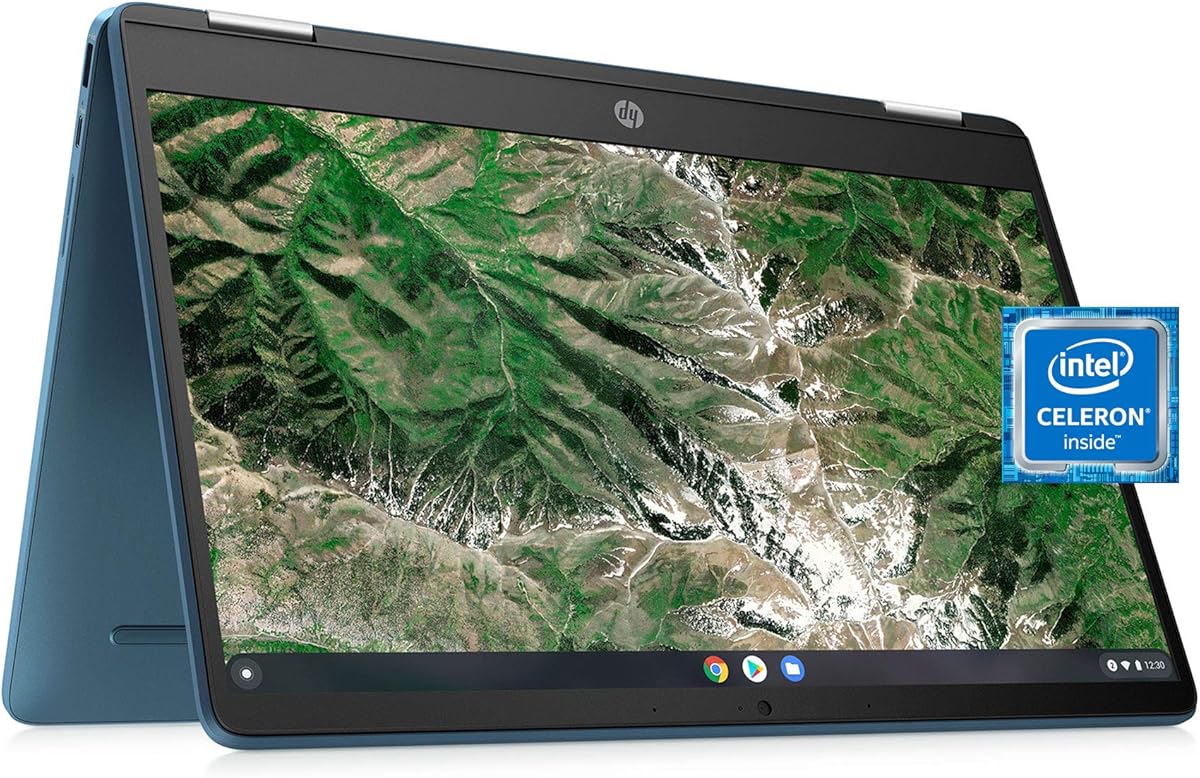
Rated 4.4 stars this HP X360 Chromebook provides a lightweight option for basic productivity tasks. Its Intel Celeron processor and 4GB RAM are sufficient for web browsing and viewing simple documents but not for heavy CAD workloads.
We may earn a commission when you buy through this link, at no additional cost to you.
The 14-inch HD touchscreen adds versatility for touch input which is nice for navigating menus and annotations. Chrome OS offers quick start times and secure updates. Stereo speakers provide decent audio for video calls or media consumption.
Performance will lag with demanding applications due to low RAM and storage capacity. It is best used for light administrative tasks or as a secondary device. Fusion 360 would struggle to run smoothly on this hardware.
Choose this laptop if budget is the main concern and you only need basic web tools. It is ideal for light users or students needing a secondary device for notes rather than primary engineering work.
Chrome OS allows fast startup letting you jump into work or research tasks almost immediately after opening the laptop.
The low price makes it an accessible entry point for those needing a simple device for basic computing needs.
We may earn a commission when you buy through this link, at no additional cost to you.
This HP 2026 X360 Convertible Laptop with a 3.6 star rating is designed for mobility with a compact 11.6-inch form factor. It offers an Intel 4-Core Processor and 8GB Memory which support general productivity tasks effectively on a go.
We may earn a commission when you buy through this link, at no additional cost to you.
Windows 11 OS provides a familiar interface for users accustomed to traditional desktop environments. The HD touchscreen allows touch navigation which is helpful for annotations. Ultra-Fast WiFi ensures quick online connectivity for data syncs.
The small screen size can make detailed CAD design challenging due to limited workspace. Performance may lag with complex 3D models requiring significant computing power. Storage is limited so external drives may be needed for archives.
Select this laptop if you need a compact device for occasional light work or travel. It works best for viewing projects or basic edits rather than heavy modeling sessions that need more screen real estate.
Its small size makes it easy to fit into tight spaces or carry along for meetings on demand.
Touchscreen input allows quick zooming and panning through interface menus without needing trackpad gestures.
We may earn a commission when you buy through this link, at no additional cost to you.
Rated 3.1 stars this Acer Gateway 11.6 Convertible Laptop offers a budget-friendly entry point for basic tasks. Its Intel Processor up to 2.79GHz and 4GB RAM handle web browsing and simple documents well for general use scenarios.
We may earn a commission when you buy through this link, at no additional cost to you.
The 360-degree rotation allows flexible viewing modes for presentations or reading. HD IPS display ensures decent color and viewing angles. Windows 11 OS provides a modern interface compatible with many current tools and applications easily.
Limited RAM and storage may struggle with demanding applications like Fusion 360 efficiently. Small screen size further restricts workspace for detailed design. It is better suited for lightweight productivity or secondary use cases.
Choose this laptop if you need a low-cost device for general browsing and notes. It works best as a secondary tool where heavy CAD work is not the primary requirement for daily tasks.
The convertible hinge allows you to position the screen in various modes for different work or viewing scenarios.
The low price makes it accessible for users needing a basic device without investing in high-end specs immediately.
We may earn a commission when you buy through this link, at no additional cost to you.
Choosing the right laptop for Fusion 360 involves evaluating several critical hardware factors that impact performance and workflow efficiency.
The processor or CPU is the brain of your computer and determines how quickly you can open complex models and run simulations. For Fusion 360 a multi-core processor like an Intel Core i5 or i7 ensures smooth performance during calculations.
Random Access Memory allows your system to handle multiple tasks at once without slowing down. Fusion 360 benefits greatly from having at least 16GB of RAM but 32GB offers headroom for heavy multitasking with other design tools.
A dedicated graphics card accelerates rendering and navigation in the 3D viewport. NVIDIA RTX or GTX series cards are ideal because they support hardware acceleration which improves visual smoothness and speeds up final exports.
Solid State Drives (SSDs) are essential for fast boot times and quick loading of large project files. Avoid slower eMMC or HDD storage if you plan to work with frequent file access and large data sets daily.
A high-resolution screen with accurate colors helps you see design details clearly and avoid errors during the modeling process. Look for Full HD or better IPS panels to ensure wide viewing angles and crisp text readability.
If you plan to work away from a power outlet consider a laptop with good battery efficiency. Fusion 360 drains power quickly so having a device that lasts 6 hours or more ensures uninterrupted work sessions on the go.
The weight and size of the laptop matter if you carry it daily for meetings or field work. A 13 or 14-inch model offers a balance between screen space and ease of transport compared to larger 15 or 16-inch units.
Fusion 360 runs natively on Windows and macOS so ensure the device supports one of these OS options. Avoid Chrome OS devices unless you only need them for viewing or basic tasks since they cannot run the full software.
Keep your software updated regularly to benefit from performance improvements and bug fixes that enhance stability during CAD work. Fusion 360 releases frequent updates so enabling automatic updates ensures you always have the latest features.
Maintain thermal health by keeping vents clear of dust and using a cooling pad during intense rendering sessions. This prevents overheating which can slow down processing speeds and reduce the lifespan of internal components over time.
Back up your project files to cloud storage or an external drive to prevent data loss from accidental failures or crashes. Setting up daily automatic backups protects your creative work and saves time in case of recovery needs.
Fusion 360 does not run natively on Chrome OS so you cannot install the desktop app directly. You may view designs via the web version or cloud tools but full modeling features are limited on Chromebooks.
16GB RAM is sufficient for basic to intermediate projects but complex assemblies may benefit from 32GB for smoother multitasking. Upgrading RAM helps if you work with large files and open other applications simultaneously.
A dedicated graphics card is highly recommended for Fusion 360 to ensure smooth viewport navigation and faster rendering. Integrated graphics may struggle with detailed models and complex visualizations leading to performance lag.
Intel Core i5 or i7 processors with multiple cores provide strong performance for Fusion 360 modeling tasks. Look for newer generations like 13th or 14th gen Intel or equivalent AMD Ryzen processors for optimal speed.
Yes Fusion 360 is supported on macOS but ensure your Mac has sufficient RAM and graphics power to handle design tasks. MacBooks with Apple Silicon chips generally perform well for most engineering workflows efficiently.
A 15-inch or larger screen is ideal for CAD work to provide ample space for toolbars and design views. However a 13 or 14-inch screen is acceptable if portability is a higher priority than screen real estate.
We have reviewed ten laptops that offer various balances of performance and portability for Fusion 360 users ranging from powerful gaming models to budget-friendly options. Selecting the right one depends on your specific workload and budget constraints.
Prioritize RAM and graphics performance if you work with complex assemblies or render frequently. For basic viewing or learning a mid-range model with solid build quality may suffice for your needs effectively.
Always check current prices and availability since technology deals change often. Investing in the right specs now can save you time and frustration while ensuring smooth operation of your design projects.